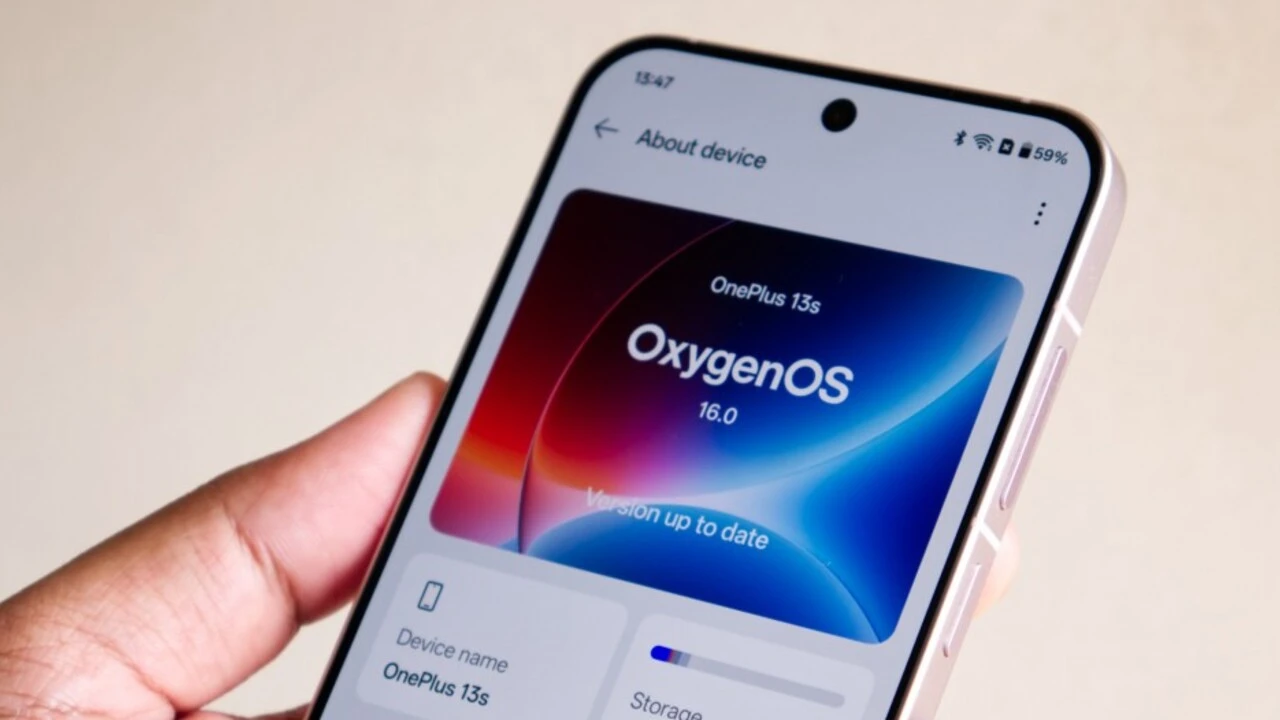
OnePlus has started rolling out a new software update for the OnePlus 13 in India. The update is called OxygenOS 16.0.3.501, and it brings useful tools, better photo editing, and the latest security patch. The company is sending this update in stages, so some users may see it right away, while others might get it after a few days.
What’s New in This Update
One of the biggest additions is a bypass charging feature. This is helpful when you are doing heavy tasks like gaming, watching videos, or using navigation. With this feature turned on, the phone can take power directly from the charger instead of filling the battery first. This helps reduce heat and can be kinder to the battery over time.
The Photos app also gets a helpful upgrade. You can now edit very large images, including pictures taken at 50MP, without losing quality. This makes it easier to crop, adjust, or enhance your photos while keeping them sharp and clear.
Another small but useful change is better app grouping in the app drawer. New categories like Office and Finance have been added, which can make it easier to find the apps you use for work or money-related tasks.
The update also includes the January 2026 Android security patch, which helps protect your phone from the latest known security issues.
Better Privacy Tools
This version of OxygenOS improves how you use Private Safe, which is OnePlus’s secure storage area. You can now browse files inside Private Safe using the side slider, search for specific files within folders, and even share files directly from this protected space. These changes make it easier to manage your private data without moving files out of the secure area.
Also Read: Realme P4 Power 5G India Price Leaks Online, Design and Colour Options Teased
Call and Message Controls
There is also a new option related to incoming calls. You can now choose whether or not the “Reply with SMS” button shows up when someone calls you. This setting can be found inside the Contacts app under call answer and end options. It gives you more control over what appears on your call screen.
How to Download the Update
If you want to check for the update on your OnePlus 13, open Settings, then go to Software Update. If OxygenOS 16.0.3.501 is available for your phone, you will see an option to download and install it. Make sure your phone has enough battery and a stable internet connection before starting the update.
Final Thoughts
The OxygenOS 16.0.3.501 update focuses on small but meaningful improvements. The new bypass charging feature is great for people who use their phone a lot while it’s plugged in, and the improved photo editing makes it easier to work with high-quality images. With better privacy tools and the latest security patch, this update helps make the OnePlus 13 both more useful and more secure for everyday use.